
SHAREit
SHAREit is a free Windows app from the SHAREit Team for moving photos, videos and documents between a PC and a phone. The current version is 5.1.0.7.
22.7 MB

1.10.2.0 · AmirHossein Abdolmotallebi · Page updated
AB Download Manager is a free, open-source download manager for Windows that speeds up downloads, queues them and integrates with web browsers.
Average 0.0 · ratings: 0
Thank you! Your rating is saved; you can change it. Could not save the rating. Please try again later. Too many ratings from your network today. Please try again tomorrow. The average appears after 5 ratings.
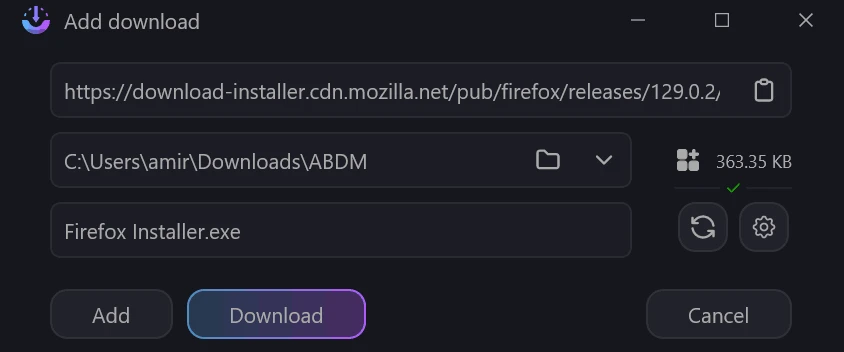
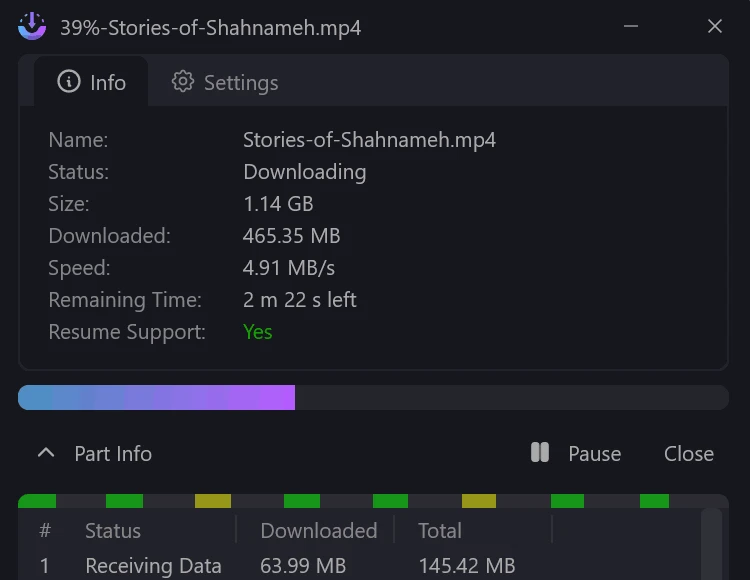
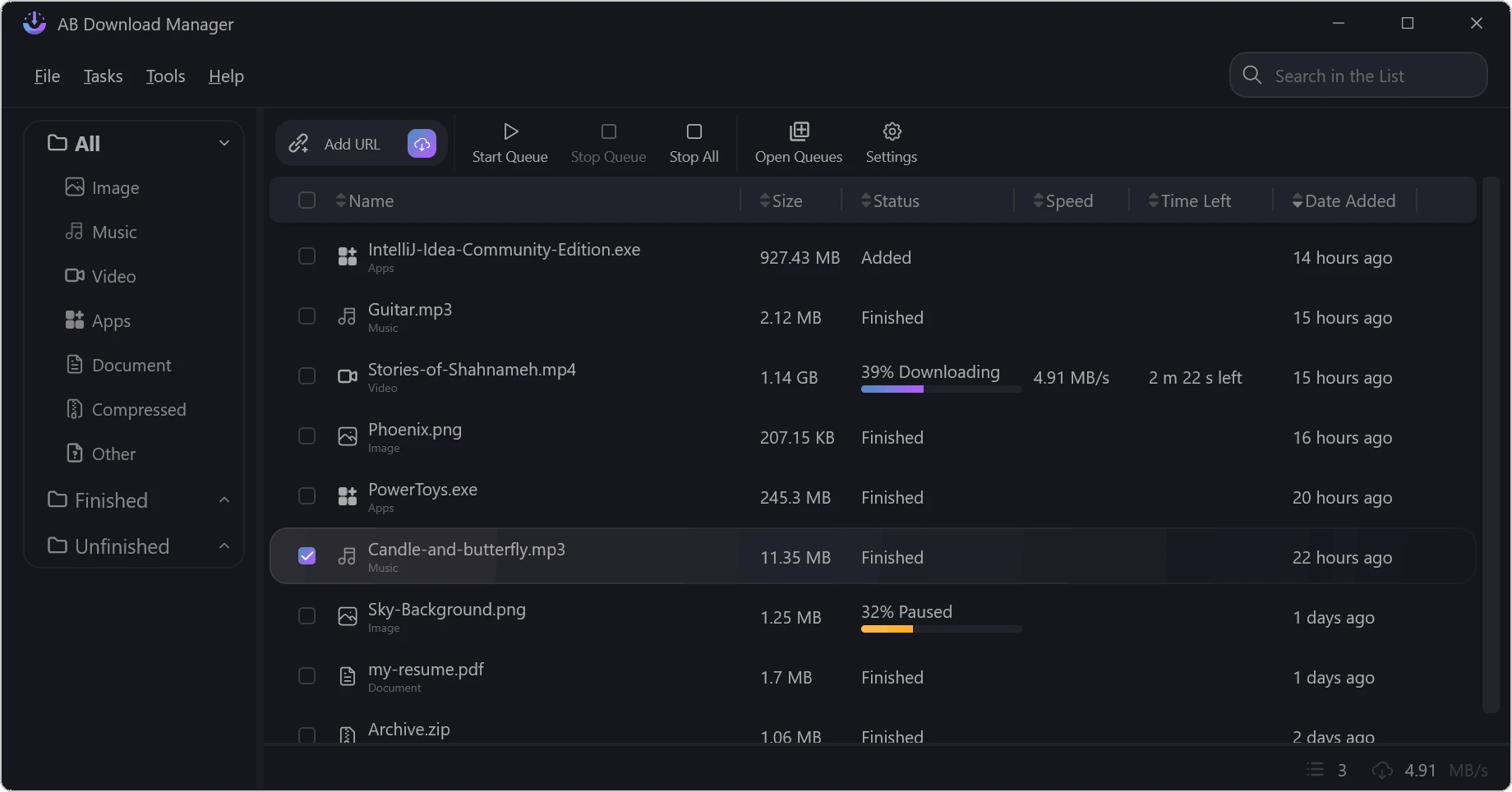
AB Download Manager 1.10.2.0 is a free, open-source download manager by AmirHossein Abdolmotallebi. It takes over downloads from your browser, splits them into parts to load faster, lets you pause and resume, and organises files in queues. It is released under the Apache 2.0 licence, and you can download AB Download Manager for Windows from abdownloadmanager.com or GitHub.
Browsers download files well enough most of the time, but they struggle with large files on unstable connections. A dropped connection can mean starting a multi-gigabyte download again, and browsers offer little control over speed or order. AB Download Manager fills that gap with a modern interface. It divides each file into several connections, which often uses available bandwidth better, and it can resume after interruptions. Queues let you line up downloads to run one after another, for example overnight, and speed limits keep the rest of the household online while a big file loads. Being open source, its code is public, so there is no hidden adware, which has been a problem with some older download managers. Browser extensions pass links from the browser to the app automatically.
It is a good fit for people who regularly download large files such as Linux images, game patches, course videos or design assets, especially on connections that drop now and then. Casual users who download a PDF once a week will not notice much benefit over the browser.
A download manager speeds up downloads, but it does not change what you are allowed to download. Respect copyright and the terms of the sites you use.
Other download managers in our listings include Free Download Manager, Internet Download Manager, Xtreme Download Manager (XDM) and JDownloader.
SHAREit is a free Windows app from the SHAREit Team for moving photos, videos and documents between a PC and a phone. The current version is 5.1.0.7.

Zapya for Windows is a free file transfer app from DewMobile for moving files between a PC and phones over a local wireless connection.

Easy Connection to Screen is Samsung's Windows app for showing a PC's screen on a compatible Samsung TV over a wireless connection.

Internet Download Manager (IDM) is a shareware download manager for Windows from Tonec that accelerates, resumes and schedules downloads.

uTorrent (μTorrent) is a small BitTorrent client for Windows from Rainberry (BitTorrent Inc) for downloading and sharing files over torrents.

AnyDesk is a remote desktop application for connecting to and controlling another computer over the internet, from a small Windows program.

ShareMe is Xiaomi's free app for sending files between devices without a cable; on Windows the Android app runs only inside an emulator.

Xender is a free file sharing app from the Xender File Sharing Team for sending files between phones and computers over a local connection.